Showing posts with label interactive narrative. Show all posts

Monday, 21 November 2016

INTERACTIVE :: 22/11/16 - Completed Animations

Finished up the final two animations that I needed today!  Here are the playblasts for them:

Death Animation:

Walk Cycle (single loop):


In terms of frame counts, the final Maya file contains all of the following:

  • Attack Animation - 20 frames: 01 - 20
  • Idle Animation - 40 frames: 24 - 64
  • Jump Animation - 38 frames: 68 - 106
  • Death Animation - 28 frames: 110 - 138
  • Walk Animation - 16 frames: 142 - 158

I'm cleaning up the final animations in the graph editor to make sure they're optimized for the game now, and will post a rendered video of the moth's animations once it has finished rendering.  Hopefully we'll be able to place the central character into the game tomorrow without any problems, which will then only leave me to make the opening sequence for the game.

Sunday, 20 November 2016

INTERACTIVE :: 21/11/16 - Character Animations

Over the past week I've been slowly working on the animations for the moth character, with varying degrees of success.  Currently I'm looking up tutorials for how to do a convincing walk cycle and death animation, as these are the last two animations I need to create to place in the game.  At this point we're going with a one-hit kill format similar to classic games like the original Super Mario in order to save time.  Hopefully it will only take me today and tomorrow to get these animations done, and spend the rest of the week writing up the flavor text and drawing introduction images for the beginning of the game while Patrick puts everything into Unity.

Here are the other animations I've made for the project so far, in playblast form:

Attack:


Idle:


Jump:

Tuesday, 15 November 2016

INTERACTIVE :: 16/11/16 - Controls

Took me longer than i wanted to get to this point, but controls have been added and completed for the moth rig


Saturday, 12 November 2016

INTERACTIVE :: 13/11/16 - Moth Rigging

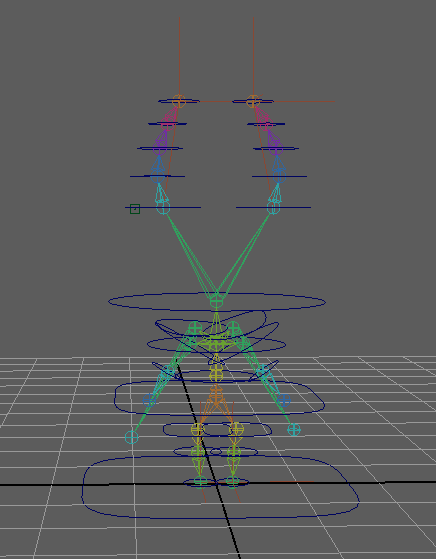
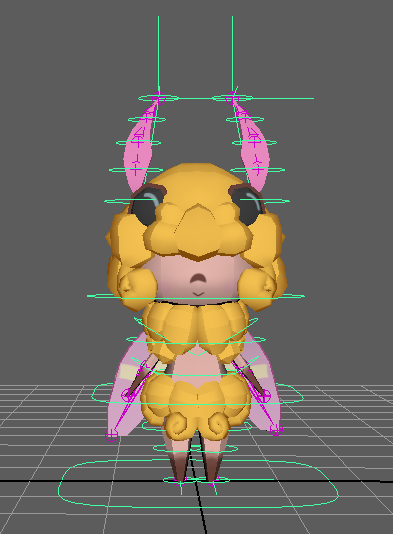
Most of the week has been spent rigging and painting my moth's skin weights to make sure that it moves and flexes correctly.  With the model as simple as it is, figuring out the skin weights has not been too difficult.

Skin weights have been mirrored so that both sides are even.


Over the weekend, I made a quick animation to showcase what the rig can do!  Due to its tiny limbs, however, it is somewhat difficult to show the moth doing things that require extensive stretching of its arms and legs.  it was only after I finished rigging that I also noticed I positioned the joints of its arms wrong, so making them rotate can be a bit of an issue at times.


At this stage, all I need to do is add controls and then I can begin animation!  I may require a refresher course on how those work, but it shouldn't take too long.

Thursday, 27 October 2016

INTERACTIVE :: 27/10/16 - Moth UV

Showed the moth to the group today and got some suggestions on how to improve it!  Patrick suggested that I make sure that none of the geo was clipping into itself, so I've modified the little curls further in order to better reflect that.  Now none of it is clipping into itself.


I've UV'd certain parts of the moth as well - the head, body, wings, and goggles.  The hair and neck fluff I left alone since that is just needs to be one flat color, and while I assumed that I could just leave the antenna alone, but now that I look at them, I feel like I should probably add a feeler texture to them too.  I'll be doing that later.


Right now we're trying to figure out what kind of colors we want for our moth protagonist, and going back to my concepts, it was suggested that I try either the Rosy Maple moth or Royal Walnut moth colors (first and last moths featured), due to the fact that they would have a good amount of contrast against the brown/grey palette of Patrick's level.


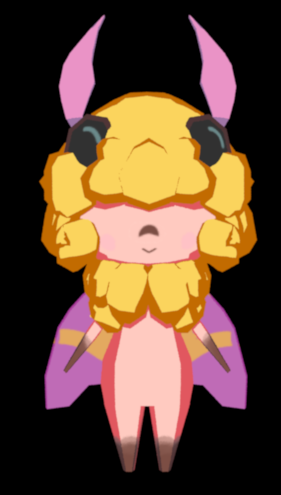
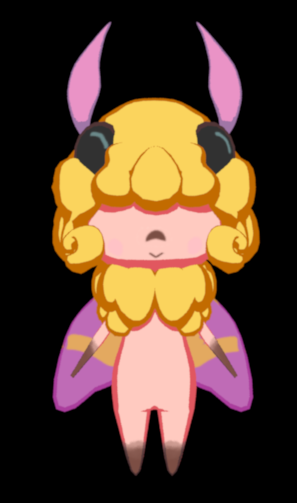
I still need to make the UVs for the Royal Walnut, but here's a turnaround of my rosy maple moth!

I also added toon shader textures to it, just for fun, as well as a smoothed the mesh out.  Neither of these will be used for the project, which is kindof a shame since they look so nice!


Tuesday, 25 October 2016

INTERACTIVE :: 26/10/16 - Still sculpting

More progress has been made on the moth!  Yesterday I finished his hair, complete with tiny spirals.  I fell back onto using a NURBS curve + extrude method to make them.


I wish i'd added more edge loops to it though, because the shape ended up kinda awkward.  It still looks good though, so I'm quite happy with it.  The moth is starting to look like a little sheep.

But today, I have finished the basic model!  Instead of struggling with modelling the neck from scratch, I cheated a bit and used a torus.  The fluff on the arms are made of individual spheres.  I also created a second set of spirals using the NURBS curves.


Now that that's been done, I've been doing some housekeeping and organized parts of the moth into layers and groups.  All of the individual parts have been frozen and the pivot has been centred on each of them.  I had a little trouble with objects that I mirrored refusing to freeze, but I got around it by combining and duplicating the meshes and deleting the halves that I didn't need.


Wednesday, 19 October 2016

INTERACTIVE :: 20/10/16 - Moff progress

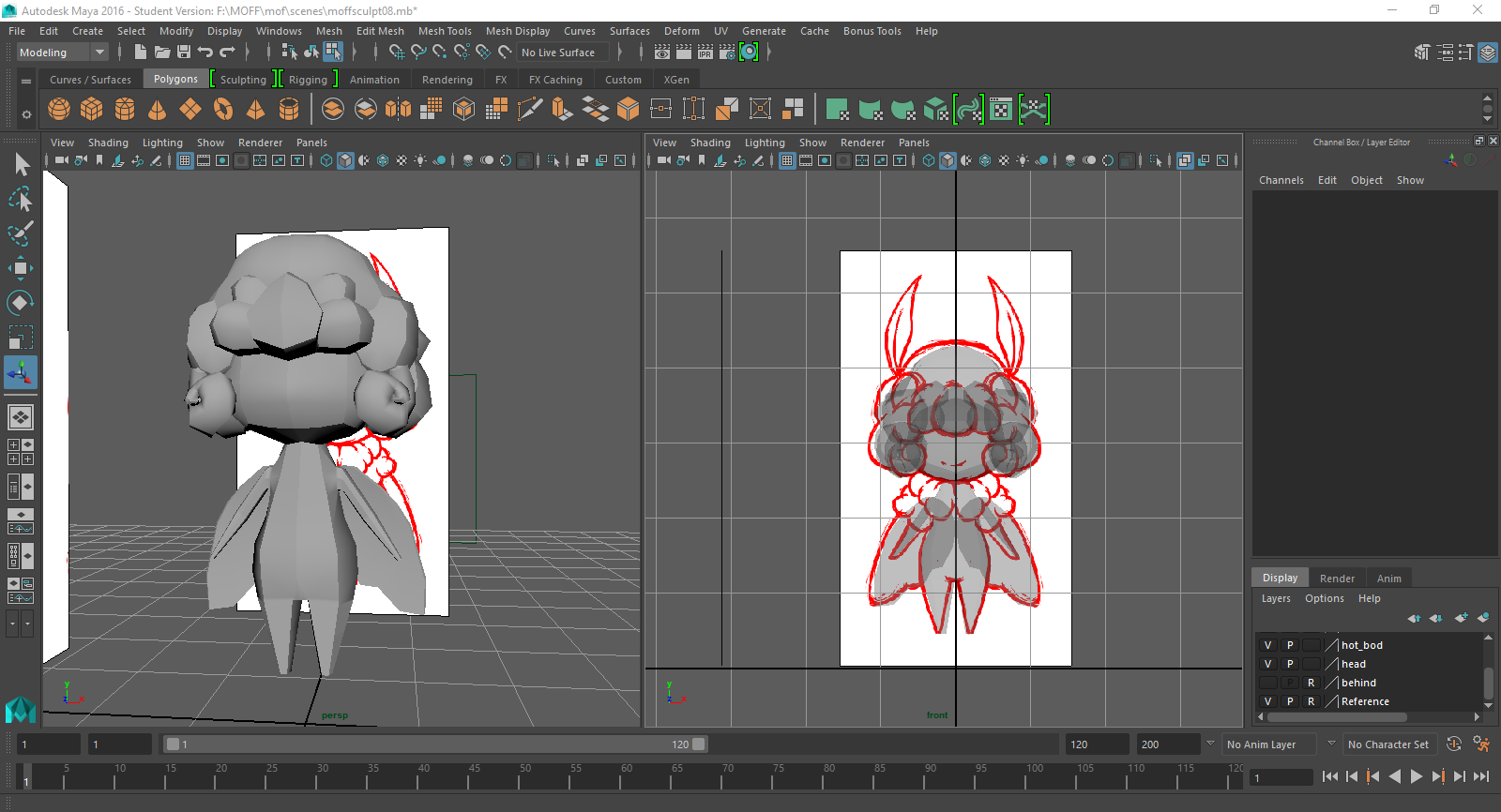
Been slowly working on the moth sculpt over the week!  I'm utilizing as much of class time as possible to make progress on him, and its starting to look pretty good!


This is where I was at on the sculpt yesterday, the basic shapes of the body have been pretty easy to make.  Initially I considered making the wings out of planes, but making a thin 3D shape seems to have worked out pretty well too.  Its slim enough that it shouldn't be too hard to move when end up rigging.

Today however, i started sculpting the moth's hair, using one giant piece for the main hair body and smaller parts for the fringe parts.  As much as I wanted to sculpt the entire thing from one piece, I had a hard enough time with the base part, so smaller, individual hair parts are probably the better idea here.


Its been pretty slow going, but I'm hoping to have that and the neck fluff done some time early next week so I can start rigging.  I need to add more circular shapes to the sides of the head and make an indent for the moth's goggles.  Not entirely sure how I'm going to go about making the little curls on either side of his face but I guess I'll figure that out when I get there.

Tuesday, 11 October 2016

INTERACTIVE :: 12/10/16 - Toon shaders

After our tutorial today, I asked Lena and Regan about toon shaders in unity, and was directed to a downloadable package.  From there I used various duplications of the 'ToonShaderLit' material in order to re-create my mushrooms with a more cartoony/comic feel to them.

I quite like these shaders as I was able to use the UVs that I had previously made with them.  The shading is based on a simple gradient which I was able to open in photoshop and modify in order to create a harsher gradient.  Here are the screenshots I took while I was playing around with them


I quite like the results, though I may need to play around with gradients a bit more and see what happens when I put in things like a colored gradient instead of just plain greyscale.

This evening I plan to redraw my moth character, or at least tweak the drawing i did from the first assignment so that I can spend the next few days trying to build a model in Maya.

Monday, 10 October 2016

INTERACTIVE :: 11/10/16 - Assigning group roles

Today we sorted our roles out for the rest of the project for the semester and it is as follows:

Adrian - Character
Patrick - Level design
Dora - Environments
Joseph - NPCs and Enemies

Knowing what I'm going to be doing now means that I can focus on building, texturing and rigging the character to get it ready for the game environment.  The nice thing about it is that it doesn't have eyes, though I feel like it could be an issue modelling the hair and making it animate.

Going to have to pull up what I remember from last year, but at least the overall character will be simpler than my last model.

Thursday, 25 February 2016

INTERACTIVE NARRATIVE :: Week 1 Questions

Wk1 Video Questions

TFX – Gaming Moment
  1. What is the significance of the player coming up with a “gaming moment” or gaming narrative when playing a videogame?
The gaming moment helps to solidify the personal experience of the player, and adds to their understanding of the game itself. By discovering what they can and cannot do in the game, or experiencing something that is different to the proposed gameplay, the player learns where their boundaries lie and what they are able to do within them. It teaches the player how to play without holding their hand and giving direct instructions, allowing them to learn through their own mistakes and in-game choices and decisions.

  1. Is my story of ejecting upside down a game narrative? If so, why? If not, why not?
Yes! Through ejecting upside down, you as the player are discovering limits and boundaries to the game and heightening your gaming experience. It also plays on the idea of a consequence of action narrative, in that the player character suffers quite graphically, especially for a game of this time period. The player experience also creates a story that can be spread to other players of the game, who may then go on to experience the event for themeselves in order to discern whether the original storyteller was being truthful and to create their own reaction to the situation.

  1. What is one of your favourite game moments? Was it deliberate in the game, or did you come up with it through experimentation?
For me, one of the earliest gaming moments that has stuck with me was playing the old 16 bit game King's Quest I when I was very young. I'd watched my dad play the King's quest series many times, and through that understood that there were many different ways that the player could die. Playing the game was an anxiety inducing experience for me and my sister, as we were afraid of making mistakes or accidentally clicking in the wrong place to induce one of many pun-related deaths. At one point in the game, the protagonist, Graham, can enter a gingerbread cottage in order to obtain some items necessary to progress the story and potentially kill a witch. However, the witch captured us in her house and locked us in a tiny cell, which terrified us, and after a minute or so had passed, the scene cut to outside her cottage, where she emerged from the door holding a terrifying low graphic gingerbread version of Graham and placed it on her lawn alongside three gingerbread children. The terrifying part for me was the bulging marshmallow eyes on the Graham cracker and the screaming pixel mouth that he had – I had nightmares for weeks and because of that, I was determined to never get caught by the witch again. It was not a deliberate decision for us to remain in the witch's house when she returned home, we had no idea that she would interrupt our snooping. Weeks later one of my friends came over to visit and after my sister told her about the graham cracker incident, she proceeded to change my desktop wallpaper to a tiled version of graham's screaming cracker face.


Gamemakers Toolkit – Ico
  1. What does Ico teach us about the relationship between narrative and design in videogames?
Ico's approach to design aims to show a very clear link between the elements within the game and the core concept that the game developer wanted to express. Everything within the game focuses or reflects the core concept of the relationship and values of Ico and Yorda, and everything that did not relate to this concept in some significant way was removed in order to keep the narrative strong and remind the player constantly of what they and the characters were aiming to achieve, creating a very strong sense of immersion through the prevaling power of the game's ideals and goals.

  1. What are the benefits of “minimalist” design? Can you think of other games that are minimalist?
    Minimalistic design places focus on the key concept and morals of the story, strengthening it by providing no distraction or deviation from the central ideas or goals. The minimalistic approach can create a greater sense of aesthetic and is a concept that is seldom used in most video games today, generating interest for not adhering to the standard and offering a different way to experience a story.

    Fez is referenced as a similar minimalistic game in the video that places emphasis on rotating the world and taking a new perspective.

    A similar game known as Loved could be considered minimalist, as it is a 2D platformer with one core dynamic – there is a voice telling your character who it is and what they should do. As long as you obey, the world sharpens and desaturates creating an empty but logical world. The more you disobey, the brighter and more muddled the game gets, blocks of color covering walls and obstacles to the point that color is all you see. The game parallels the emotions found in one experiencing an abusive relationship.

Thomas was Alone is another game that has been recommended to me, which is a platformer done in a very minimalistic pixel style where the characters are bits of program shaped like rectangles. They have no physical human features though their given names and personalities creates a personable link to the player. The player moves these rectangles through portal doorways at the ends of a 2D platforming stage, and as the rectangles progress, storyline is achieved.